01
Prep
Use AI or start from scratch to turn an idea into a concise visual Flow.
Turn your expertise into vertical videos.
Flow2 helps you build the story before you press Record, then practice and perform it inside the same app. The goal: a finished vertical video with little to no editing.
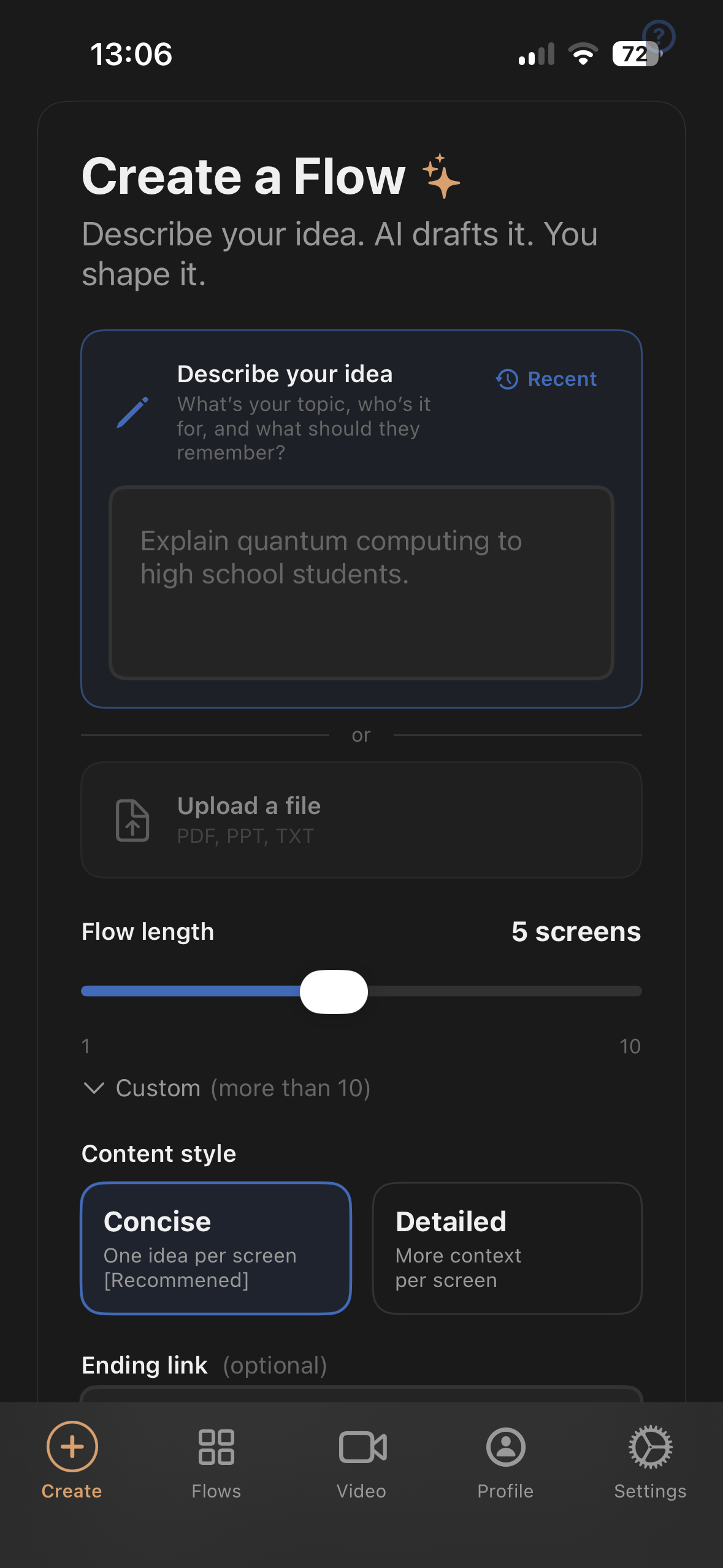
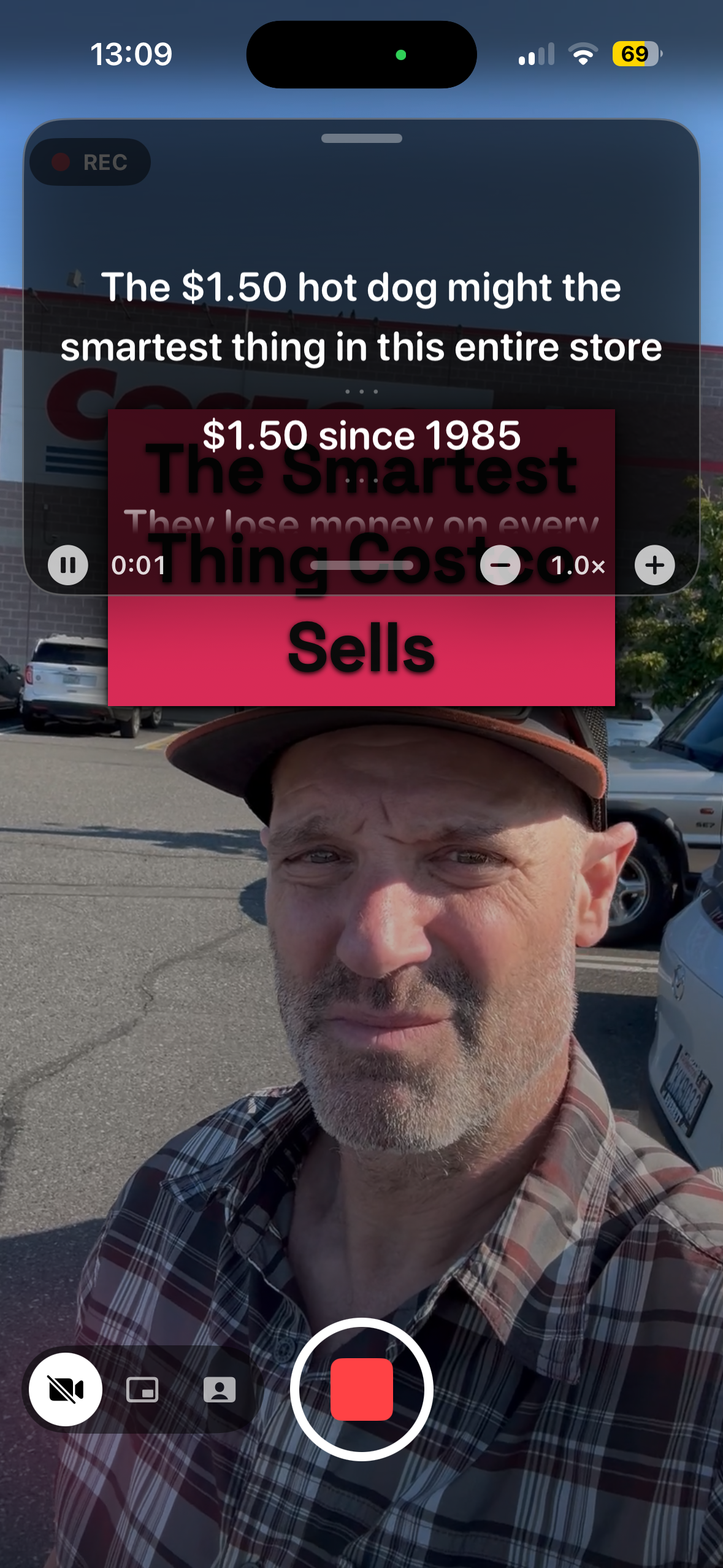
Most video tools begin with footage and leave you with an editing project. Flow2 begins with structure, so the performance can become the finished video.
Use AI or start from scratch to turn an idea into a concise visual Flow.
Set timing, scripts, camera modes and movement before the take.
Record with your Flow, visuals and teleprompter guiding the story.
Export a vertical video designed to be ready with little or no editing.
Flow2 started as a mobile-first vertical presentation creator. That same structure now powers the recording experience instead of disappearing into an editing timeline.
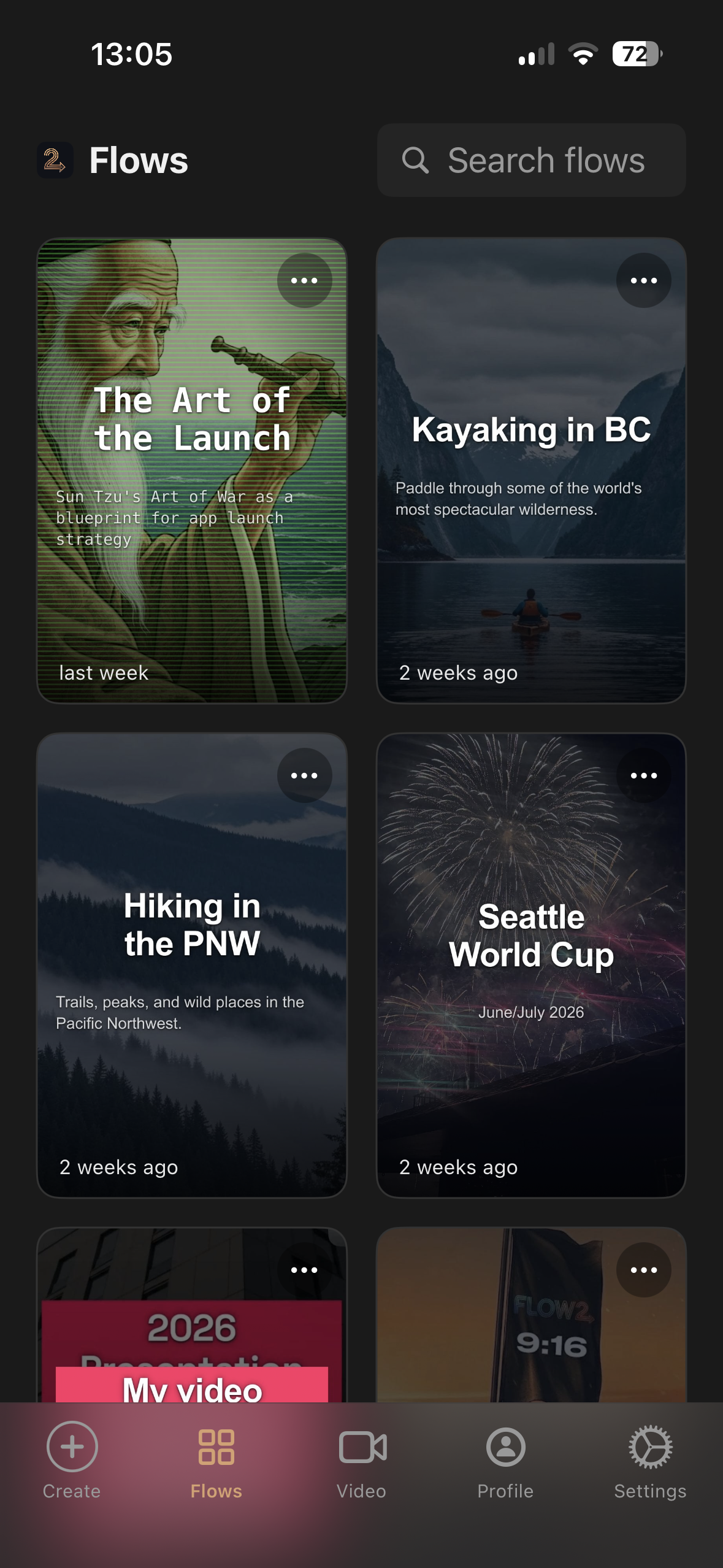
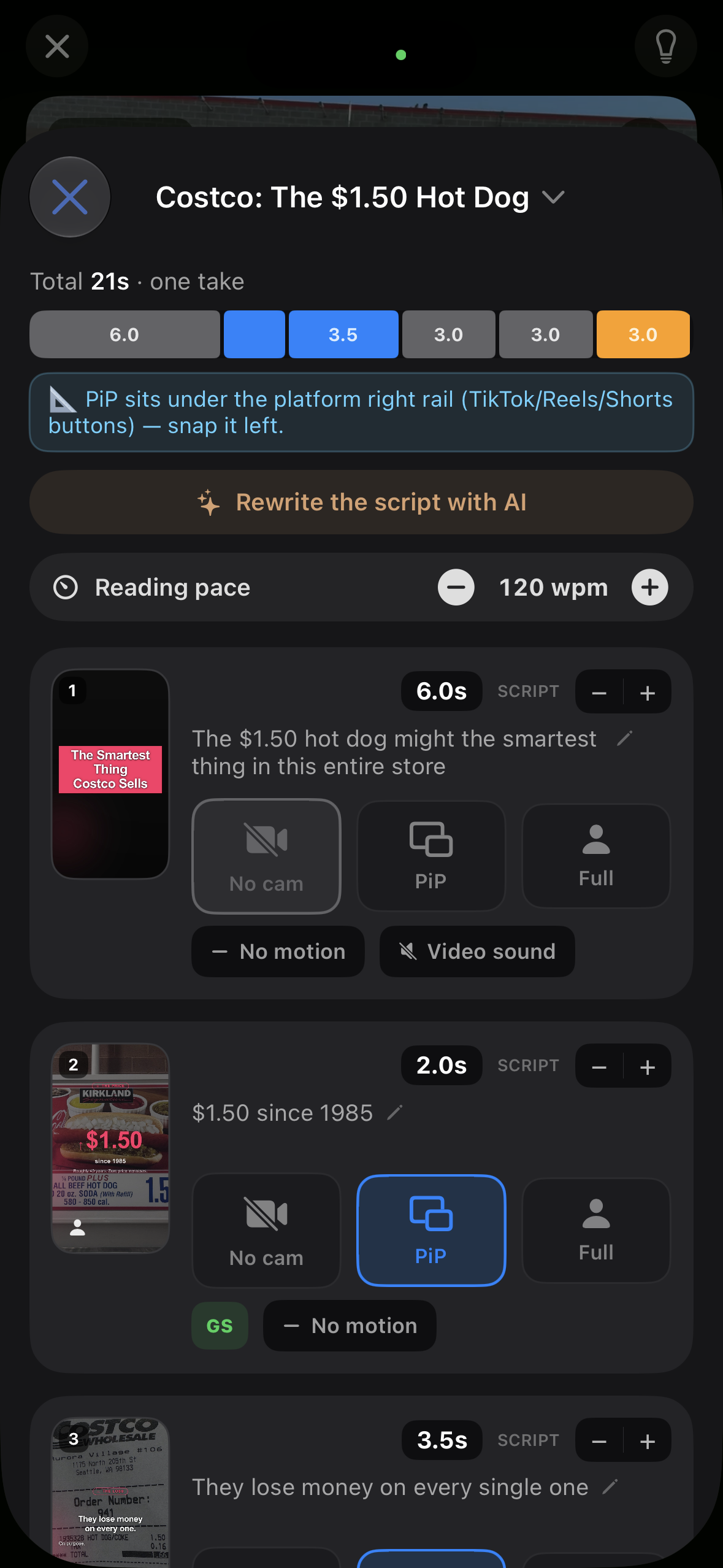
This video was planned, sequenced and recorded through Flow2. The goal is not to replace every editor. It is to help creators avoid opening one for videos that should not require it.

“Flow2 began as a new way to create mobile-first presentations. While building the iPhone app, I realized that a Flow could do more: it could help a creator prepare, practice and perform a complete video.”
I am still figuring out exactly what this becomes. That is why I am asking creators, and a few patient friends and family members, to test it now and tell me what is confusing, useful or missing.
Brent, founder of Flow2
You do not need to test everything. A single honest trip through the workflow is useful.
Made a video, or hit a wall? Tell me how it went.
Share your feedback →
Prepare the story. Practice it. Perform it. Then post it.